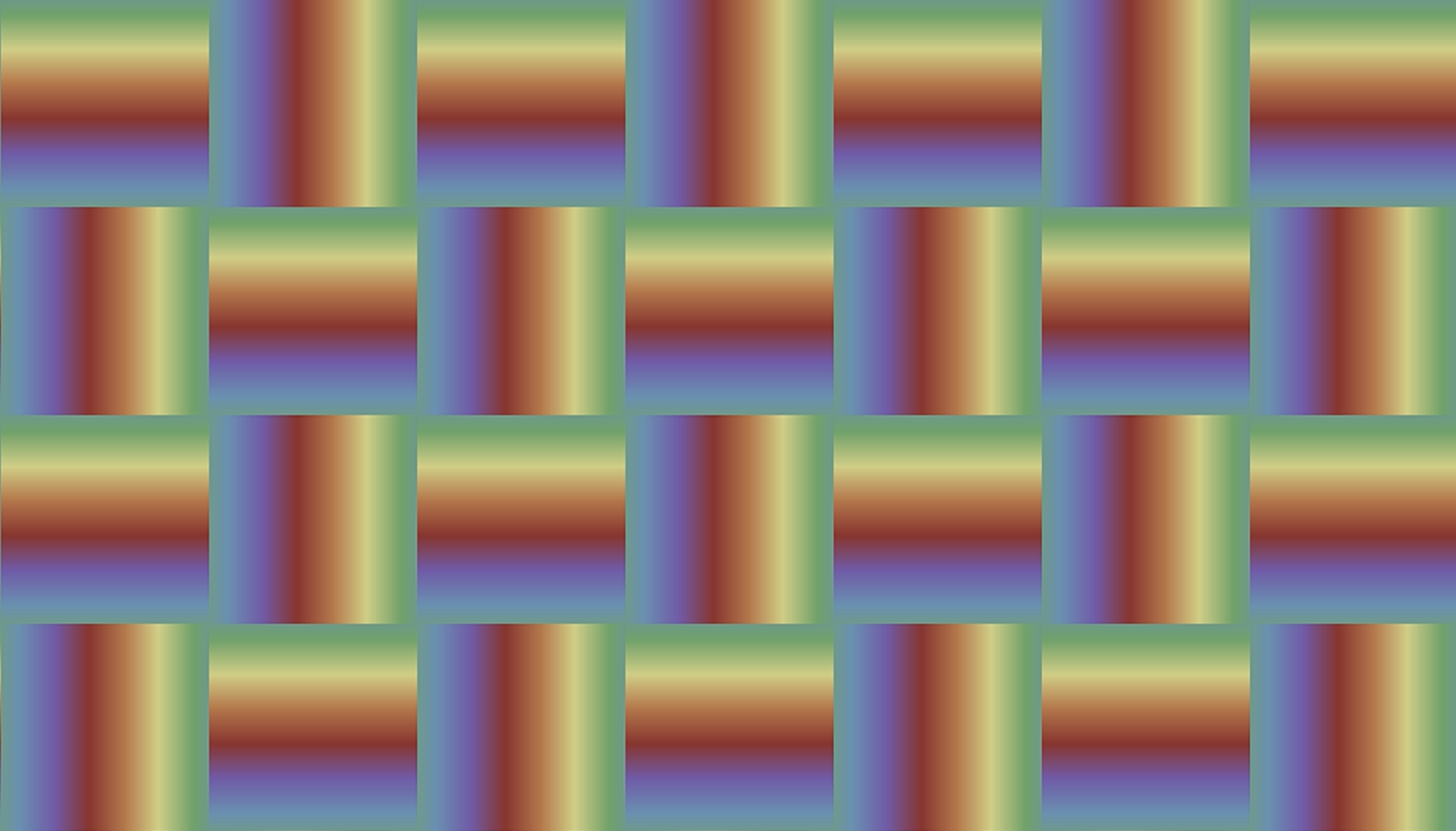
My first Shadertoy shader! You can play with the live version here on Shadertoy. Here’s a step-by-step walkthrough of how I built it up.
Step 1: A static rainbow gradient
We start with the simplest version — a horizontal gradient that blends smoothly through a set of rainbow colors.
The key tool here is GLSL’s mix(a, b, t) function, which linearly interpolates between two colors a and b. For t = 0 it returns a, for t = 1 it returns b, and for values in between it returns a blend. So to get the full range of colors between two shades, t needs to sweep from 0 to 1.
For n colors, there are n - 1 gaps between them, so we split the screen into n - 1 equal intervals. Since we normalize fragCoord by iResolution.xy, uv.x conveniently ranges from 0 to 1 across the screen. We check which interval a pixel’s uv.x falls into, then mix() between that interval’s two colors.
The catch: within each interval uv.x only spans a small slice of the 0–1 range (e.g. the second interval runs from val to 2*val), but mix() still needs its third argument to sweep the full 0–1 range to show the complete blend. So we subtract the interval’s starting value and divide by the interval width val — this rescales the local position back to 0–1.
void mainImage(out vec4 fragColor, in vec2 fragCoord)
{
    vec2 uv=fragCoord/iResolution.xy;//0,1

    // rainbow color pallete
    // from https://www.schemecolor.com/rainbow-colors-for-kids.php
    const int num_colors=6;
    vec3 colors[num_colors]=vec3[](
                vec3(246.,0.,0.)/255.,
                vec3(255.,140.,0.)/255.,
                vec3(255.,238.,0.)/255.,
                vec3(77.,233.,76.)/255.,
                vec3(55.,131.,255.)/255.,
                vec3(72.,21.,170.)/255.
                );

    // create 5 intervals for the x coord
    float val=1./float(num_colors-1);
    vec3 col=vec3(0.);

    if(uv.x<val) col=mix(colors[0],colors[1],uv.x/val);
    else if(uv.x>=val&&uv.x<2.*val) col=mix(colors[1],colors[2],(uv.x-val)/val);
    else if(uv.x>=2.*val&&uv.x<3.*val) col=mix(colors[2],colors[3],(uv.x-2.*val)/val);
    else if(uv.x>=3.*val&&uv.x<4.*val) col=mix(colors[3],colors[4],(uv.x-3.*val)/val);
    else col=mix(colors[4],colors[5],(uv.x-4.*val)/val);

    fragColor=vec4(col,1.);
}
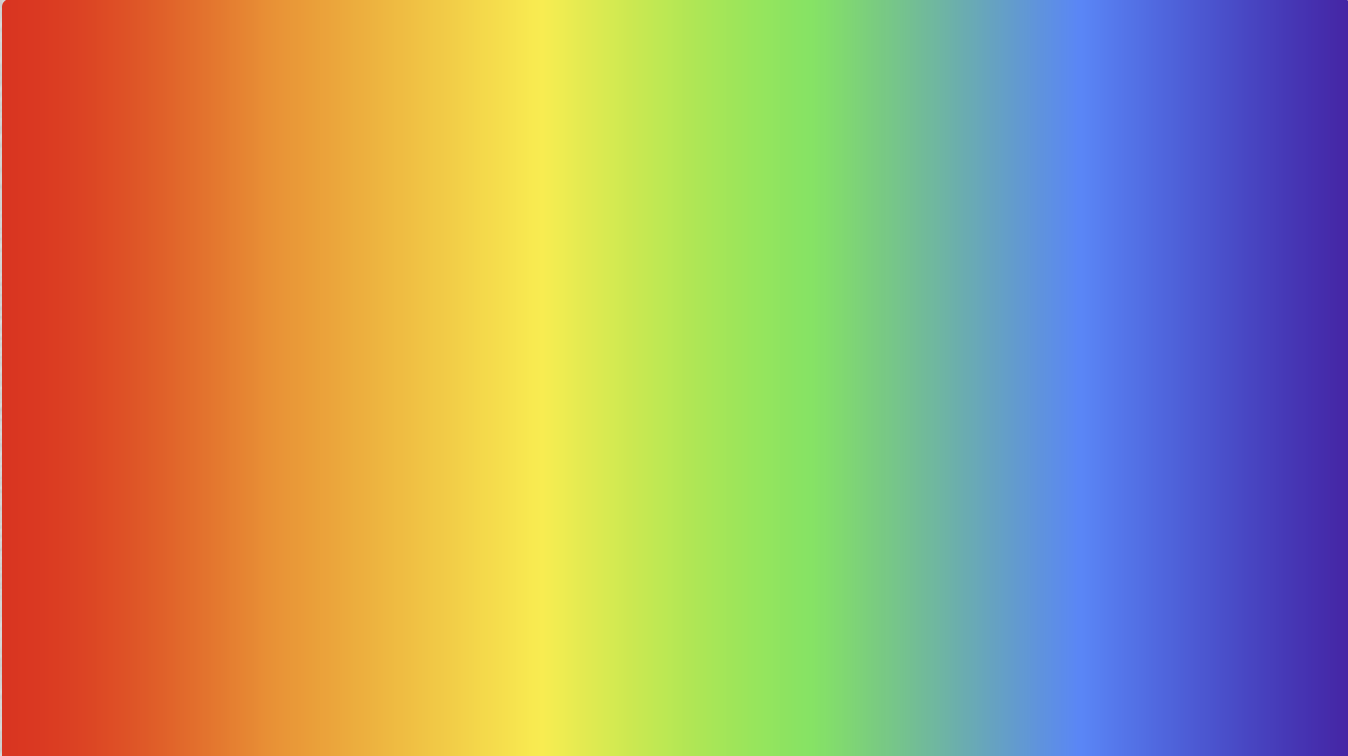
This gives us a clean static rainbow:
Step 2: Dropping the if-else chain
That long if-else ladder works, but it grows with every color and repeats the same logic each time. We can collapse it into a single mix() by letting arithmetic pick the interval for us.
The trick is to scale uv.x up by num_colors - 1, so instead of ranging 0–1 it now ranges 0–5 across our six colors:
floor(scaledX)gives the interval index — 0, 1, 2, 3, or 4 — which is exactly the first color of the pair to blend.fract(scaledX)gives the fractional position within that interval, which sweeps 0→1 five times over. That’s already the perfectly rescaledtwe were computing by hand before.
So idx picks the pair colors[idx] and colors[idx+1], and val blends between them — no branching required.
void mainImage(out vec4 fragColor, in vec2 fragCoord)
{
    vec2 uv=fragCoord/iResolution.xy;//0,1

    // rainbow color pallete
    // from https://www.schemecolor.com/rainbow-colors-for-kids.php
    const int num_colors=6;
    vec3 colors[num_colors]=vec3[](
                vec3(246.,0.,0.)/255.,
                vec3(255.,140.,0.)/255.,
                vec3(255.,238.,0.)/255.,
                vec3(77.,233.,76.)/255.,
                vec3(55.,131.,255.)/255.,
                vec3(72.,21.,170.)/255.
                );

    // create 5 intervals for the x coord

    // uv.x ranges from 0,1
    // val ranges from 0,5
    float scaledX=uv.x*(float(num_colors)-1.);
    float val=fract(scaledX);//goes from .0 to .9, then from .0 to .9... 5 times
    int idx=int(scaledX); // will be 0, or, 1, or, 2, or, 3 , or 4

    vec3 col=mix(colors[idx],colors[idx+1],val);

    fragColor=vec4(col,1.);
}
The output is identical to before, but the code no longer cares how many colors we throw at it.
Step 3: Making it move
To animate the gradient we scroll it sideways over time. Shadertoy gives us iTime (seconds since start), so adding iTime * speed to uv.x shifts the whole pattern horizontally, and wrapping it with fract() keeps it in the 0–1 range so the colors flow endlessly across the screen.
There’s one subtlety. A scrolling gradient needs to loop seamlessly — when the last color scrolls off one edge it should reappear at the other. For that, the last color has to blend back into the first. So instead of num_colors - 1 intervals, we now use num_colors intervals (six here, one per color), and wrap the pair index with (idx + 1) % num_colors. That last interval blends colors[5] straight back into colors[0], closing the loop with no visible seam.
void mainImage(out vec4 fragColor, in vec2 fragCoord)
{
    vec2 uv=fragCoord/iResolution.xy;//0,1

    // rainbow color pallete
    // from https://www.schemecolor.com/rainbow-colors-for-kids.php
    const int num_colors=6;
    vec3 colors[num_colors]=vec3[](
                vec3(246.,0.,0.)/255.,
                vec3(255.,140.,0.)/255.,
                vec3(255.,238.,0.)/255.,
                vec3(77.,233.,76.)/255.,
                vec3(55.,131.,255.)/255.,
                vec3(72.,21.,170.)/255.
                );


    // time varying intervals

    float speed=0.2;
    float x=fract(uv.x+iTime*speed);// x is bw 0 and 1, varies with time
    float scaledX=x*float(num_colors); // scaledX is bw 0 and 6
    float val=fract(scaledX); // 6 0-1 ranges
    int idx=int(scaledX); // 0,1,...5,6

    vec3 col=mix(colors[idx],colors[(idx+1)%num_colors],val);

    fragColor=vec4(col,1.);
}
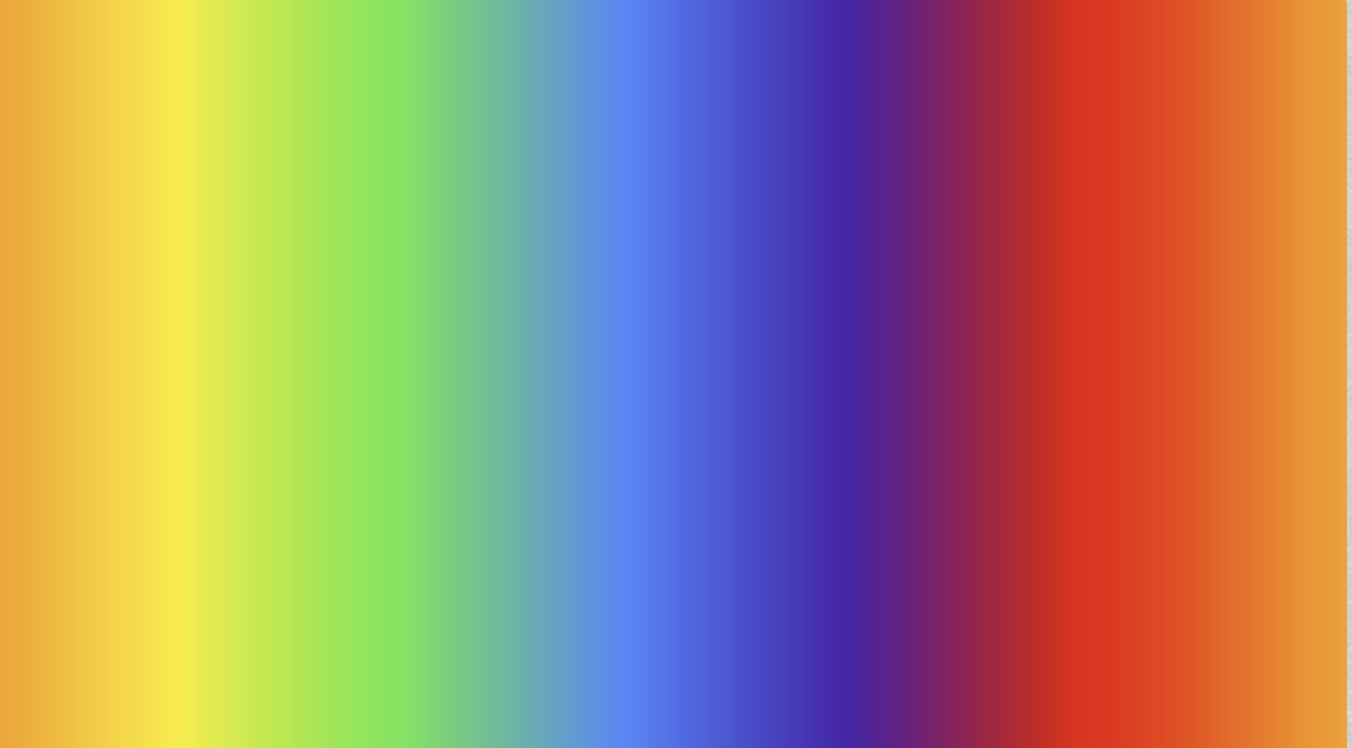
Now the rainbow drifts smoothly across the screen and loops forever:
Tip: the direction is just a matter of which coordinate you drive. Swapping
uv.xforuv.yin that line —float x=fract(uv.y+iTime*speed);— makes the gradient scroll vertically instead of horizontally.
Step 4: Splitting the screen
Now that we can pick a scroll direction, we can hand different regions of the screen their own direction. This is the first step toward gridding — dividing the canvas into cells that each do their own thing.
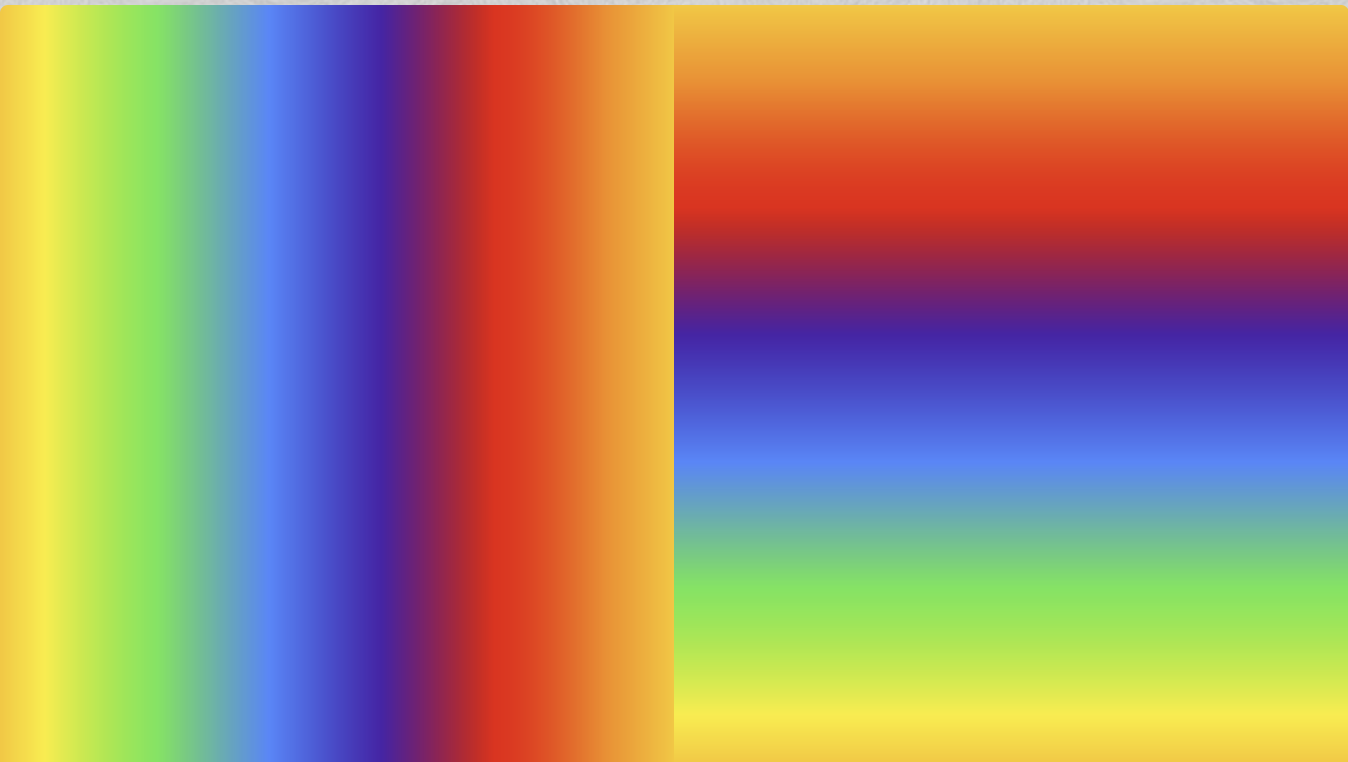
To keep it simple, we split down the middle: for the left half (uv.x < 0.5) we drive the animation with uv.x so it scrolls horizontally, and for the right half we drive it with uv.y so it scrolls vertically. Everything after that — the scaling, fract(), and the wrapped mix() — stays exactly the same.
One thing to watch: inside the left half uv.x only spans 0 to 0.5, so on its own it would show just the first half of the rainbow. We multiply it by 2.0 to stretch that region back to a full 0–1 range and get the complete gradient.
void mainImage(out vec4 fragColor, in vec2 fragCoord)
{
    vec2 uv=fragCoord/iResolution.xy;//0,1

    // rainbow color pallete
    // from https://www.schemecolor.com/rainbow-colors-for-kids.php
    const int num_colors=6;
    vec3 colors[num_colors]=vec3[](
                vec3(246.,0.,0.)/255.,
                vec3(255.,140.,0.)/255.,
                vec3(255.,238.,0.)/255.,
                vec3(77.,233.,76.)/255.,
                vec3(55.,131.,255.)/255.,
                vec3(72.,21.,170.)/255.
                );


    // time varying intervals

    float speed=0.2;
    float coord=0.;

    // gridding
    if(uv.x<.5) //left half
        coord=fract(uv.x*2.0+iTime*speed);// uv.x is bw 0 and 0.5, so rescale to 0-1
    else coord=fract(uv.y+iTime*speed);

    float scaledCoord=coord*float(num_colors); // scaledX is bw 0 and 6
    float val=fract(scaledCoord); // 6 0-1 ranges
    int idx=int(scaledCoord); // 0,1,...5,6

    vec3 col=mix(colors[idx],colors[(idx+1)%num_colors],val);

    fragColor=vec4(col,1.);
}
The result: the left half scrolls horizontally while the right half scrolls vertically — two regions, two directions, from a single branch on uv.x.
Step 5: Alternating bands
Two halves become a real weave once we slice the screen into many bands and alternate their direction. This is where the “weave” in Rainbow Weave comes from.
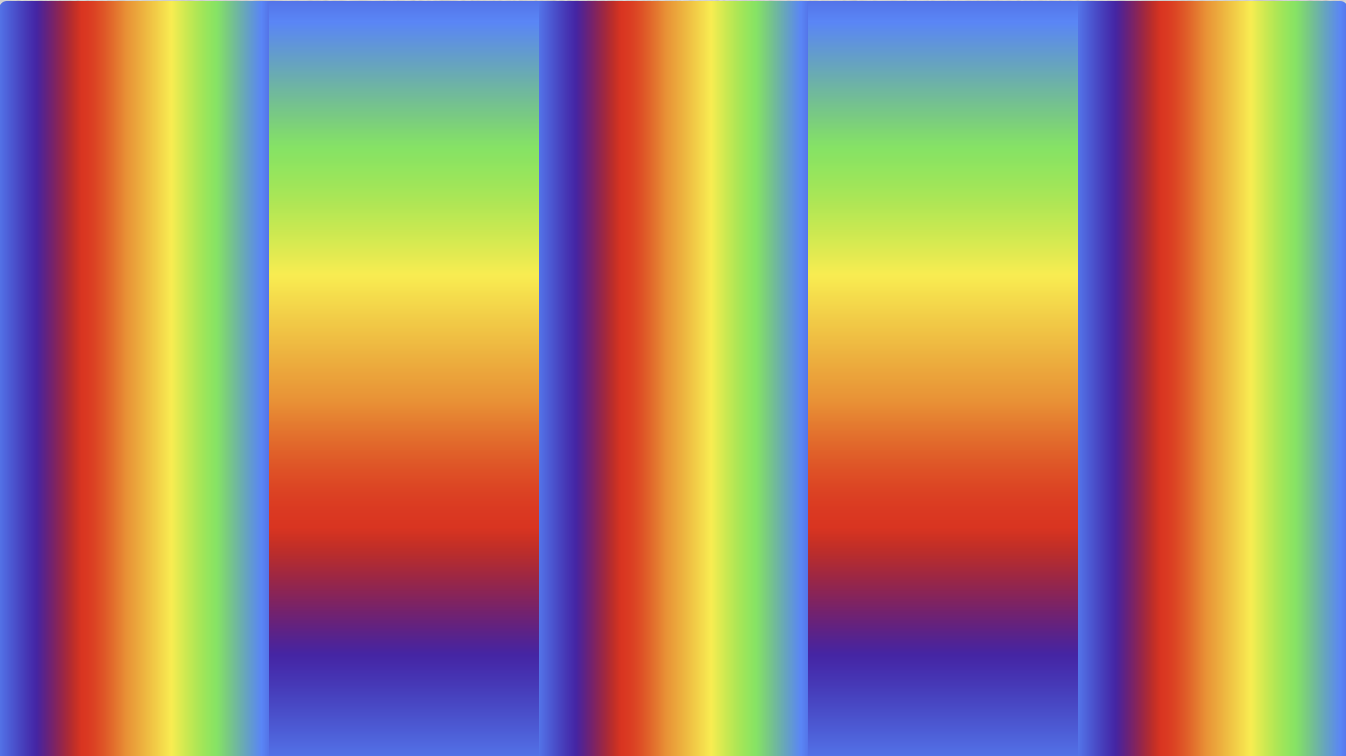
We divide the width into num_cells_x = 5 vertical bands. Multiplying uv.x by that count gives cellX, whose integer part is the band index (0–4) and whose fractional part localX is the position within that band (running 0→1 in every band). Because localX already resets per band, we get the full rainbow repeated in each one — no extra rescaling needed.
Then we alternate by parity: even bands scroll horizontally using their local coordinate localX, while odd bands scroll vertically using uv.y. The neighbouring columns pulling in perpendicular directions is exactly what reads as an over-under woven texture.
void mainImage(out vec4 fragColor, in vec2 fragCoord)
{
    vec2 uv=fragCoord/iResolution.xy;//0,1

    // rainbow color pallete
    // from https://www.schemecolor.com/rainbow-colors-for-kids.php
    const int num_colors=6;
    vec3 colors[num_colors]=vec3[](
                vec3(246.,0.,0.)/255.,
                vec3(255.,140.,0.)/255.,
                vec3(255.,238.,0.)/255.,
                vec3(77.,233.,76.)/255.,
                vec3(55.,131.,255.)/255.,
                vec3(72.,21.,170.)/255.
                );


    // time varying intervals

    float speed=0.2;
    float coord=0.;

    // gridding
    float num_cells_x=5.;

    float cellX=uv.x * num_cells_x; //cellX is cell idx from 0-5
    int band=int(floor(cellX));//band is 0,1,2,3,4,5
    float localX = fract(cellX); //0-1 range (varying locally within each band)

    if (band % 2 == 0)
        coord=fract(localX+iTime*speed); // local horizontal interpolation
    else
        coord=fract(uv.y+iTime*speed);   // vertical interpolation


    float scaledCoord=coord*float(num_colors); // scaledX is bw 0 and 6
    float val=fract(scaledCoord); // 6 0-1 ranges
    int idx=int(scaledCoord); // 0,1,...5,6

    vec3 col=mix(colors[idx],colors[(idx+1)%num_colors],val);

    fragColor=vec4(col,1.);
}
Now the columns alternate horizontal and vertical flow, giving that woven look:
Step 6: A full grid — the weave
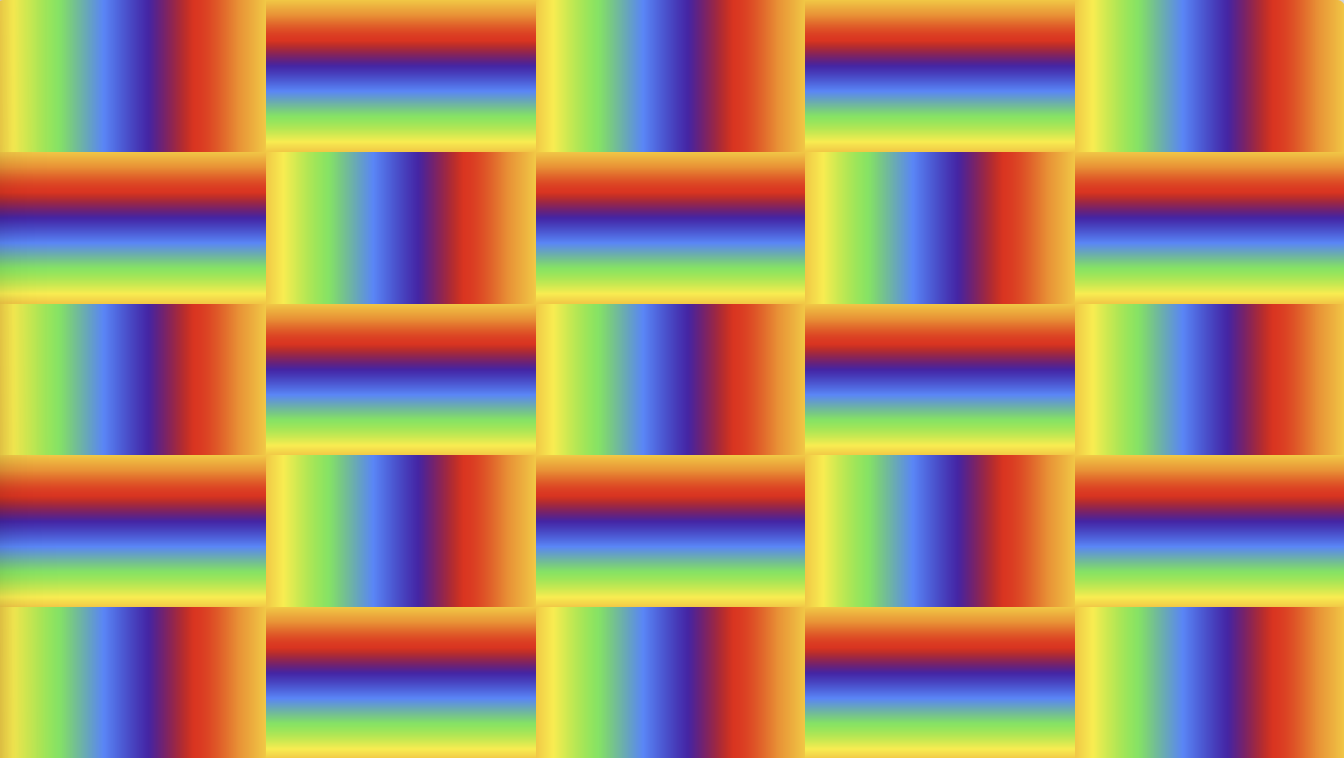
From here it’s a small leap to the finished pattern: band along both axes. We add num_cells_y = 5 and compute a bandY / localY for the vertical direction, exactly mirroring what we did for X. That carves the screen into a 5×5 grid of cells, each with its own local 0–1 coordinates.
The direction of each cell now comes from comparing the two band parities. When bandX % 2 == bandY % 2 the cell scrolls horizontally (localX), otherwise it scrolls vertically (localY). That condition is just a checkerboard: adjacent cells always disagree, so horizontal and vertical flow interlock in both directions — the true over-under weave.
void mainImage(out vec4 fragColor, in vec2 fragCoord)
{
    vec2 uv=fragCoord/iResolution.xy;//0,1

    // rainbow color pallete
    // from https://www.schemecolor.com/rainbow-colors-for-kids.php
    const int num_colors=6;
    vec3 colors[num_colors]=vec3[](
                vec3(246.,0.,0.)/255.,
                vec3(255.,140.,0.)/255.,
                vec3(255.,238.,0.)/255.,
                vec3(77.,233.,76.)/255.,
                vec3(55.,131.,255.)/255.,
                vec3(72.,21.,170.)/255.
                );


    // time varying intervals

    float speed=0.2;
    float coord=0.;

    // gridding
    float num_cells_x=5.;
    float num_cells_y=5.;

    float cellX=uv.x * num_cells_x; //cellX is cell idx from 0-5
    float cellY=uv.y * num_cells_y; //cellX is cell idx from 0-5

    int bandX=int(floor(cellX));//band is 0,1,2,3,4,5
    int bandY=int(floor(cellY));//band is 0,1,2,3,4,5

    float localX = fract(cellX); //0-1 range (varying locally within each band)
    float localY = fract(cellY); //0-1 range (varying locally within each band)

    if (bandX % 2 == bandY % 2)
        coord=fract(localX+iTime*speed); // local horizontal interpolation
    else
        coord=fract(localY+iTime*speed);   // local vertical interpolation


    float scaledCoord=coord*float(num_colors); // scaledX is bw 0 and 6
    float val=fract(scaledCoord); // 6 0-1 ranges
    int idx=int(scaledCoord); // 0,1,...5,6

    vec3 col=mix(colors[idx],colors[(idx+1)%num_colors],val);

    fragColor=vec4(col,1.);
}
And there it is — a grid of rainbow cells flowing in alternating directions, weaving over and under each other:
Tip: using the same cell count on both axes gives rectangular cells on a non-square screen. To keep the cells square, let the vertical count follow the aspect ratio:
float num_cells_x=5.;
float num_cells_y=num_cells_x*iResolution.y/iResolution.x;
And that’s the whole thing — from a single mix() between two colors to a full animated weave, one small step at a time. The nice part is that every piece is just a tweak on the last, so it’s easy to keep playing: try more colors, different cell counts, or a new rule for choosing each cell’s direction.